Tracking Your Learning Progress
Your Course Catalogue Student Dashboard displays all enrolled courses and programmes, along with your progress.
-
Sign in to the Course Catalogue and access the Student Dashboard.
- Click the In Progress tab.
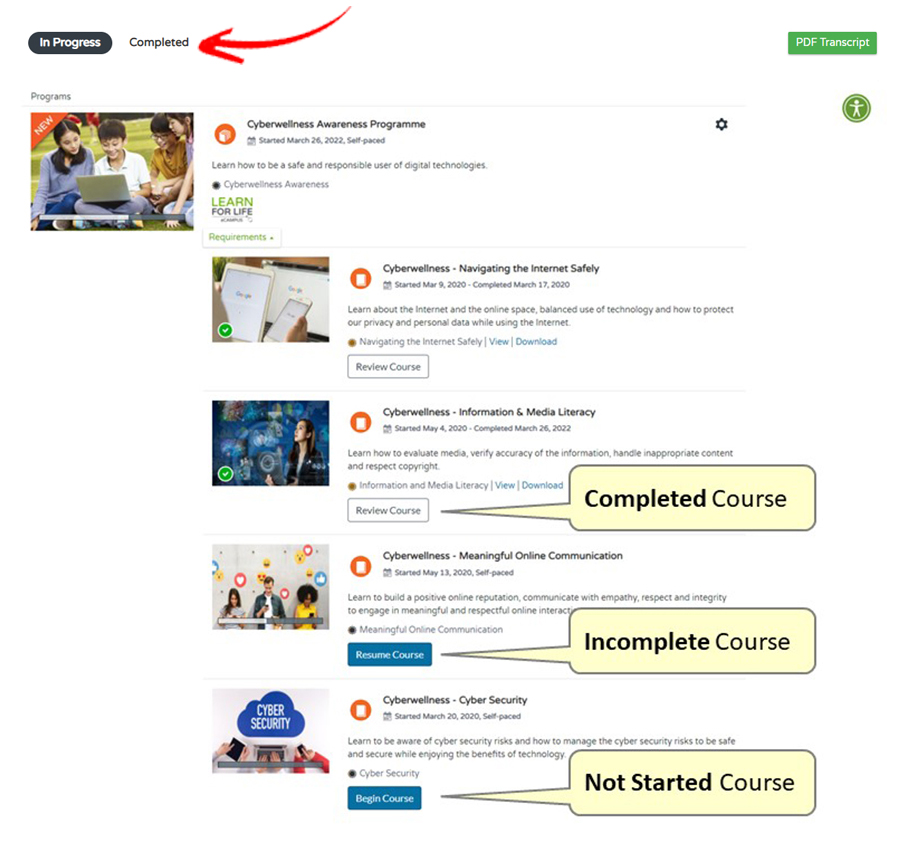
Resume Course → Appears for incomplete courses.
Review Course → Appears for completed courses (Course Badge available).
Begin Course → Appears for courses not yet started.