Accessing Your Enrolled Courses
- Your eLearning courses are listed on your LearnforLife.sg Dashboard.
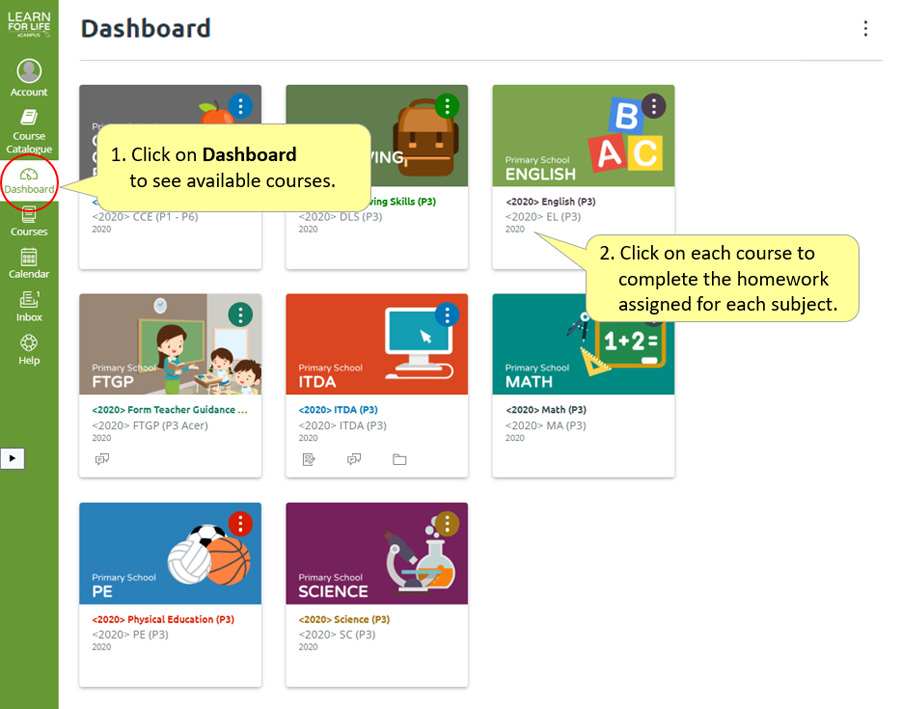
- If your dashboard view is different, you may not see your enrolled courses.
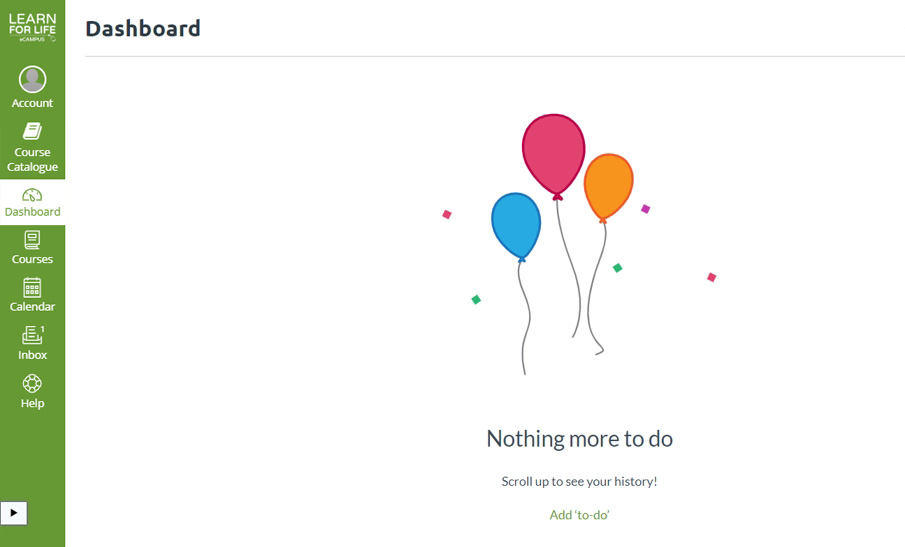
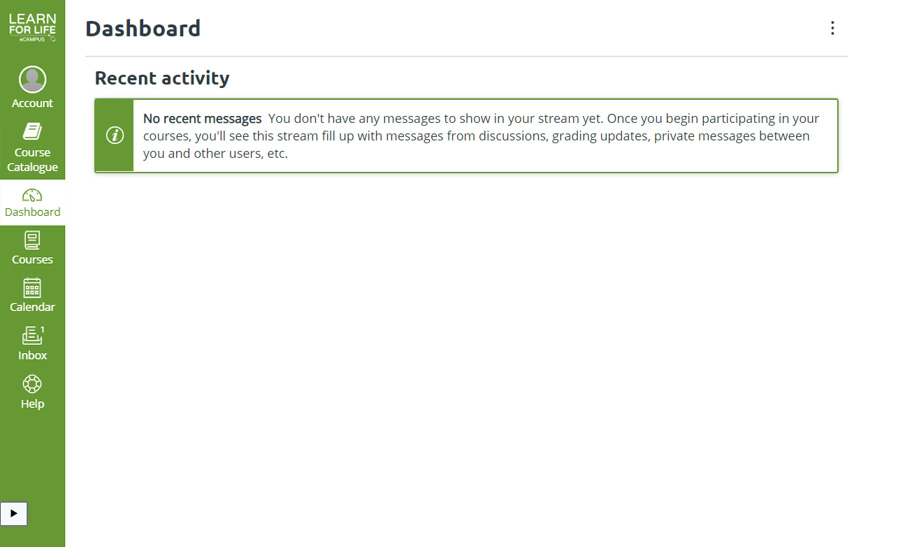
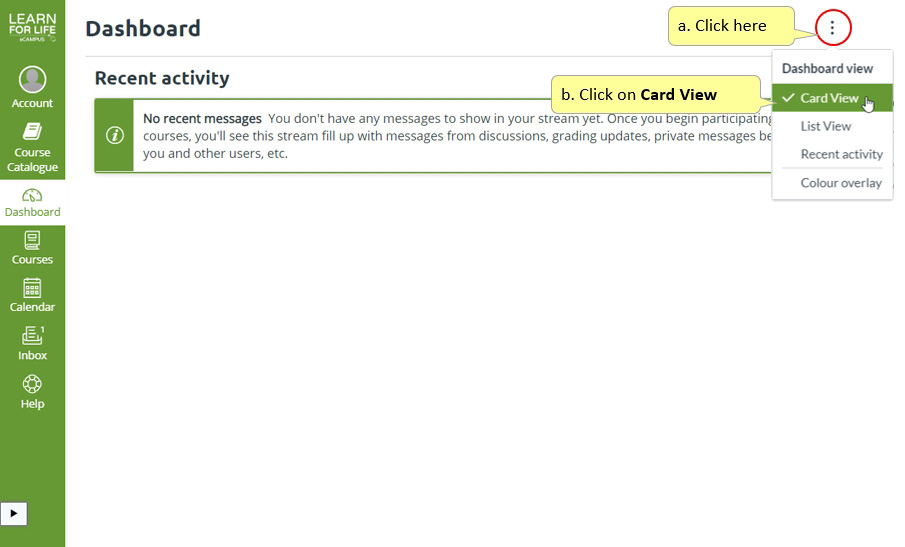
- You need to change the Dashboard View back to Card View to see your enrolled courses.
View All Your Enrolled Courses
You can also find your enrolled courses in the All Courses list.
Follow these steps:
- Click Courses in the Global Navigation.
- Click the All Courses link (scroll down if needed).
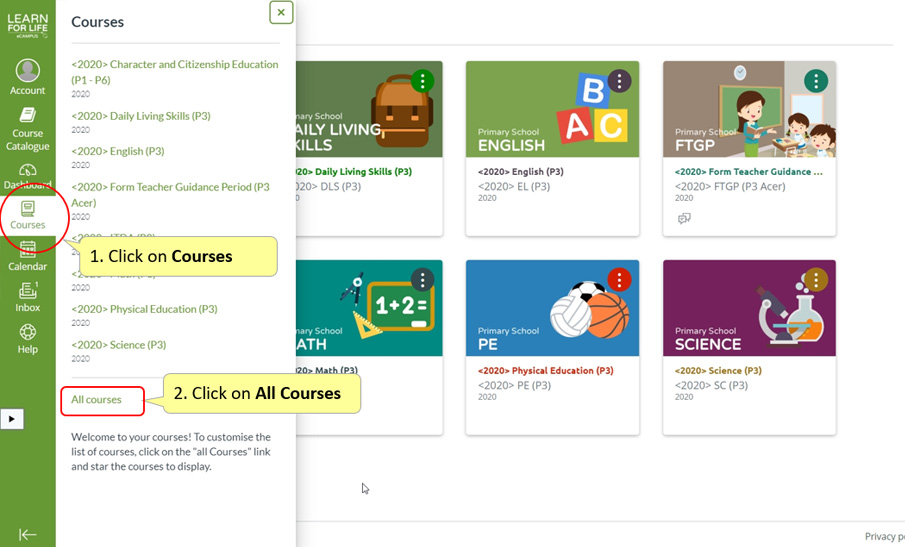
- View your list of enrolled courses.
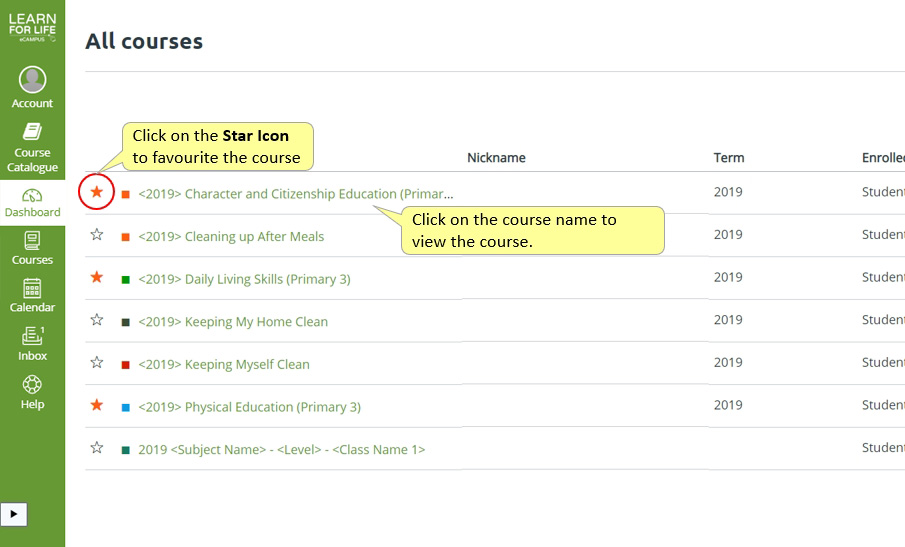
Tip
You can mark courses as favourites by clicking on the Star Icon. Favourited courses will show up on your LearnforLife.sg Dashboard.